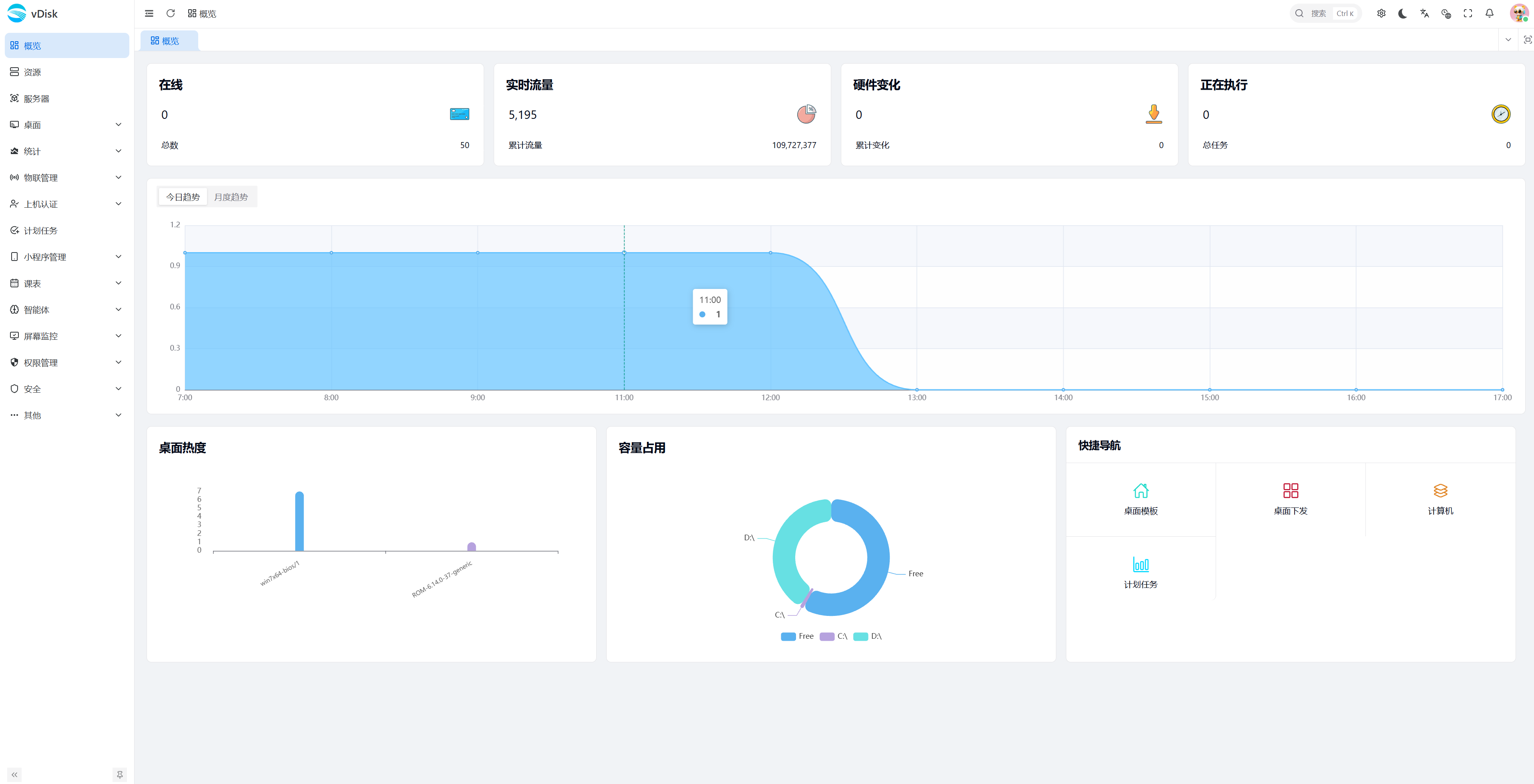
A desktop virtualization solution supporting unified multi-terminal management and remote operations
Built on 20 years of technical expertise
Base images and terminal configurations are managed independently; a single image is compatible with multi-brand terminals such as Dell, Lenovo, and HP.
Standardized deployment workflow: server configuration → image preparation → terminal registration → system distribution.
Images support both BIOS Legacy and UEFI boot modes.
Supports automatic matching from the driver library, identifying hardware and installing drivers automatically at boot.
The companion WeChat Mini Program supports over 90% of management operations, including endpoint monitoring, remote reboot and system push.
Integrates with the academic-affairs system, checks class times every 500ms, and automatically switches the teaching desktop environment.
Three-tier storage architecture: base image layer (read-only shared), differential storage layer (temporary data), and user data layer (personal files).
The web management console supports batch deployment, batch updates, and batch configuration.
Removes the Hypervisor virtualization layer so the operating system runs directly on physical hardware.

Contact us for a solution or a trial