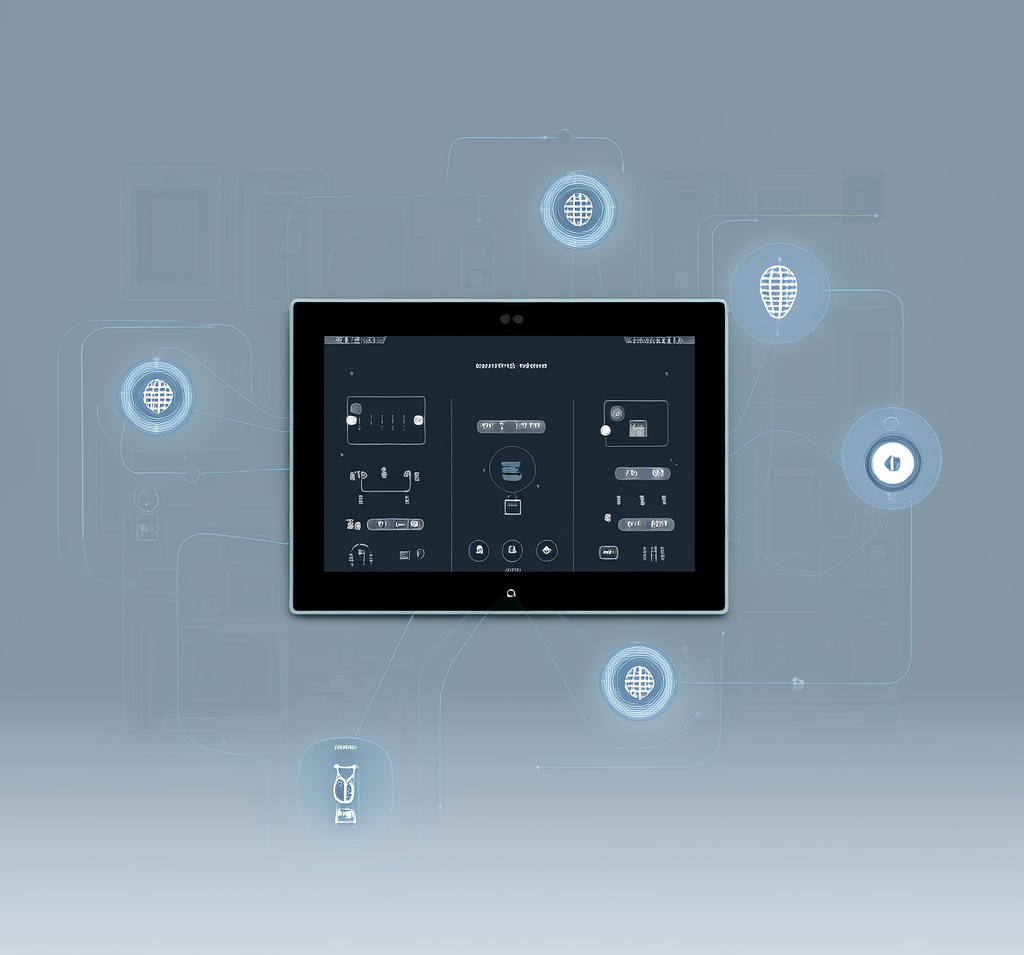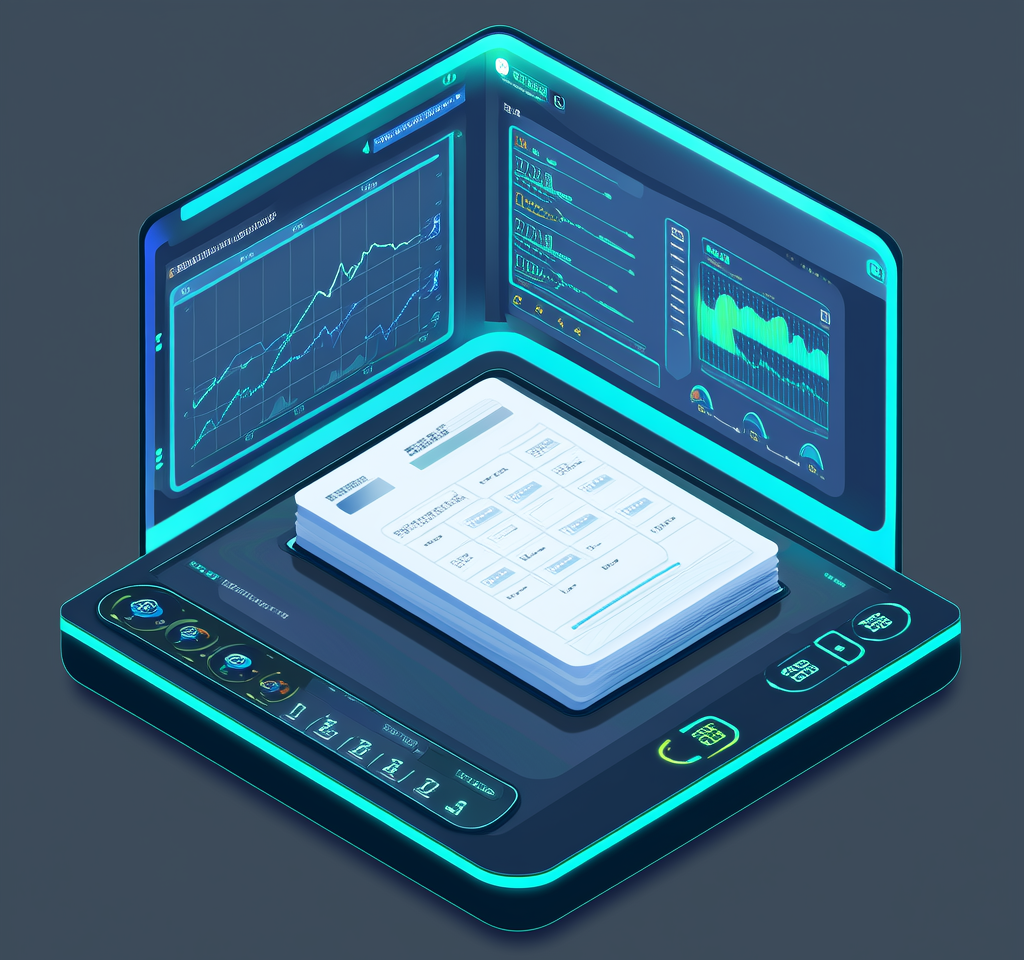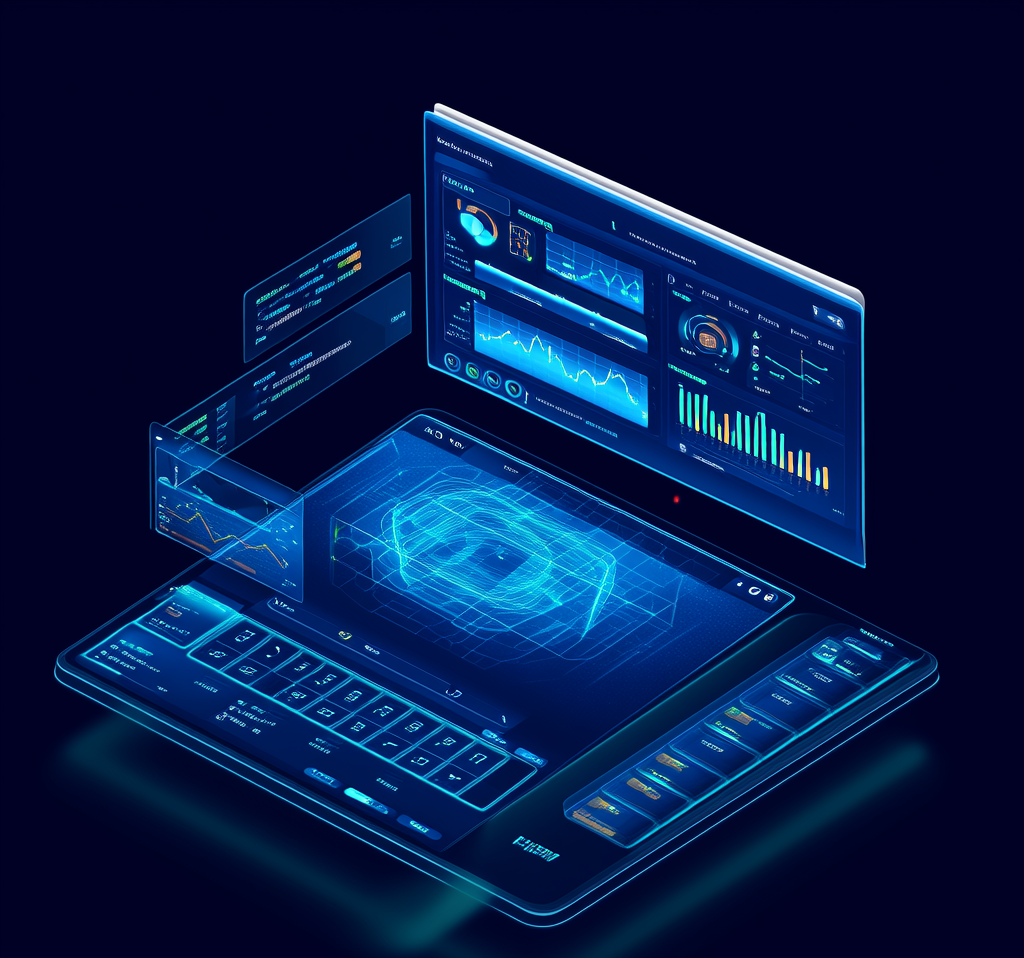
Four core modules providing all-around support for smart education
Cloud desktop management, IoT device control, mobile management, schedule management
Designed on the VOL (Virtual Operating Layer) architecture, it copes with all kinds of complex software environments. It supports large professional software such as CAD, 3DMAX, and Photoshop, ensuring system stability and software compatibility. Using base-image plus user-configuration-and-driver separation technology, a single image is compatible with most hardware terminals, eliminating the need to maintain multiple images for different device types and greatly reducing operational complexity.
A built-in image market offers a variety of pre-configured environments covering different scenario needs, including exam environments, teaching environments, and lab environments. It supports one-click deployment, completing the desktop-environment switch for all terminals within 5 minutes. It provides an image template library, allowing teachers to quickly create dedicated teaching environments according to course needs. It supports incremental image updates, saving storage space and transmission bandwidth.
It supports a multi-tier data server architecture, enabling unified management of the main campus, branch campuses, and multiple campuses. Headquarters IT administrators can manage desktop resources nationwide from a single platform, reducing operations and maintenance costs. It supports cross-region image synchronization and distribution, automatically selecting the optimal path. It also offers cross-campus resource sharing and load balancing to ensure the rational use of resources at each campus.
Built on advanced virtual disk technology, it offers higher security and compatibility than traditional disk filter drivers. It supports protection of the user data partition, restoring the system partition on reboot while retaining user data. Multiple protection modes are available: full protection, partial protection, scheduled restore, and more. It also supports automatically uploading student assignments to the server to prevent data loss.
Innovative BIOS/EFI dual-boot support technology means a single image is compatible with both legacy BIOS and modern EFI boot modes at the same time. Intelligent driver management technology automatically identifies the hardware configuration and loads the corresponding drivers. It supports processors of different architectures such as Intel, AMD, and ARM, and is compatible with motherboards, graphics cards, network cards, and other hardware from various brands, truly achieving unified management of heterogeneous terminals.
It supports operations such as remote wake-up, remote shutdown, and remote restart. It monitors the running status of all desktops as well as CPU, memory, and disk usage in real time. It provides a remote desktop assistance feature, allowing administrators to help users solve problems remotely. It supports batch software installation, updates, and uninstallation. It provides detailed usage logs and audit records, facilitating issue tracking and statistical analysis.
Desktop resources are automatically allocated and reclaimed according to the timetable to improve resource utilization. Desktop preloading technology is supported, preparing the desktop environment in advance before class to ensure fast startup when class begins. Intelligent load balancing automatically assigns users to less-loaded servers. Resource usage statistics and analytical reports are provided to support management decisions.
A comprehensive tiered user-permission system supports role-based settings for teachers, students, administrators, and more. It supports security policies such as USB port control, printer control, and network access control. A desktop operation auditing feature records users' key actions. Integration with the school's unified identity authentication system enables single sign-on. Data is encrypted throughout transmission to ensure data security.
Manage central-control devices uniformly for centralized control and management of teaching equipment.
Integrates access-control devices supporting card swipe, facial recognition and other authentication methods.
Smart lighting control system with timed control, scene modes and more.
Remote control of air-conditioning, with temperature adjustment, scheduled on/off and more.
No app download needed - handle 90% of management tasks right in the WeChat Mini Program.
Important events are pushed in real time via WeChat, so you stay on top of system status the moment it changes.
A comprehensive tiered user-permission system ensures system security and management efficiency.
Supports remote control of all IoT devices, enabling truly mobile work.
Seamlessly integrates with mainstream academic systems and syncs timetable data automatically, with no manual upkeep.
Automatically switches the classroom desktop by timetable, loading the right software and settings for each course.
Supports automatic power-on before class and power-off after, saving energy, cutting emissions, and extending equipment lifespan.
Switch to exam mode with one click to quickly deploy a standardized exam environment, supporting multiple exam systems.
The modules are not just for show—the following 73 actions can all be clicked in the console's "Quick Operations", run on a schedule in scheduled tasks, and also triggered by a plain sentence to the built-in AI assistant. Among them, 20 are read-only queries, and 53 will change the endpoint state, all of which will first pop up a pending confirmation card.
Restart computer, shut down, wake up computer (Wake-on-LAN), delayed restart, delayed shutdown
Send message notifications, issue command lines, issue exam environment detection, close exam environment detection, set usage time limits
Clear cache, schedule cache clearing, clear data disk data (all), clear current data disk data, clear data disk cache, clear written data, clear learning records (all), clear current desktop learning records, modify learning configuration (all desktops), modify current desktop learning configuration
Deliver pending merge updates, clear pending merge data, verify pending merge data, view merge status
View access mode, modify access mode, enable update (enter update mode), confirm update (submit and switch back to restore)
List desktops of this machine, list disks under a desktop, list all desktop templates, assign desktop to client, hide/show boot menu items, remove desktop from client, set default desktop, boot menu settings, startup failure self-healing strategy, check which image software is installed on
View the download status of these machines, start network probing, execute probing operation, stop network probing, initiate group network probing, start group network test, terminate network test, list machines not yet probed, deploy local boot (write to disk), check if client log forwarding is enabled, enable client log forwarding, disable client log forwarding
Find client, check hardware configuration of this machine, list computer groups, query data (general), create computer group, create computer, move machine to another group, rename machine, delete client, start a remote assistance
List disks (images), unlock disks
List desktop cloud servers, server system information, server NIC list, list data (IO) servers, view system logs, restart data service
List scheduled tasks, create scheduled tasks, modify scheduled tasks, enable/disable scheduled tasks, delete scheduled tasks
Total above 73 项。 每一项的逐条说明见 Complete feature list of integrated cloud management platform(246 条, 另有Plain text full text)。
Contact our technical team for a detailed module overview and implementation plan.