Product Line 01 / Cloud Desktop · Manage Desktops
One server manages hundreds of PCs.
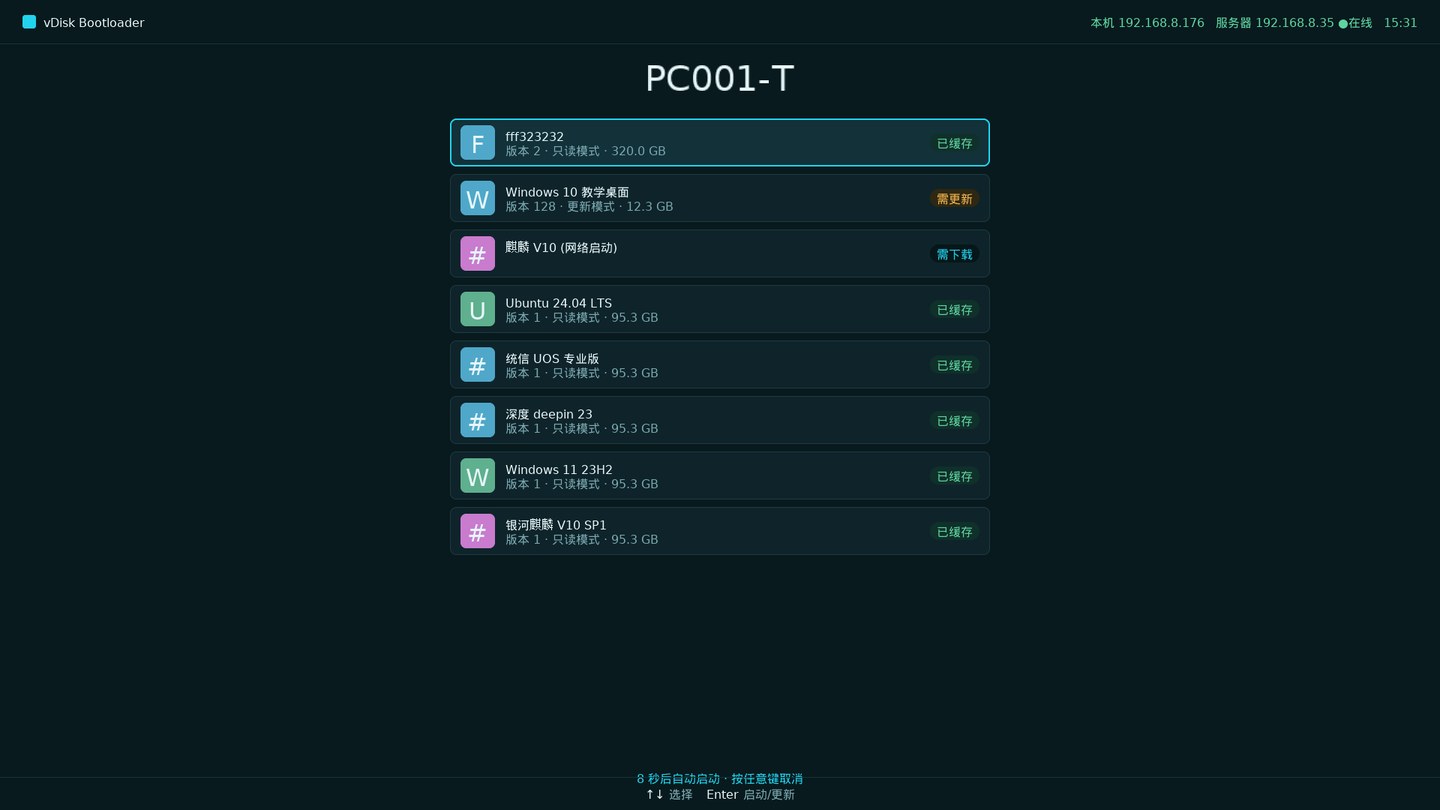
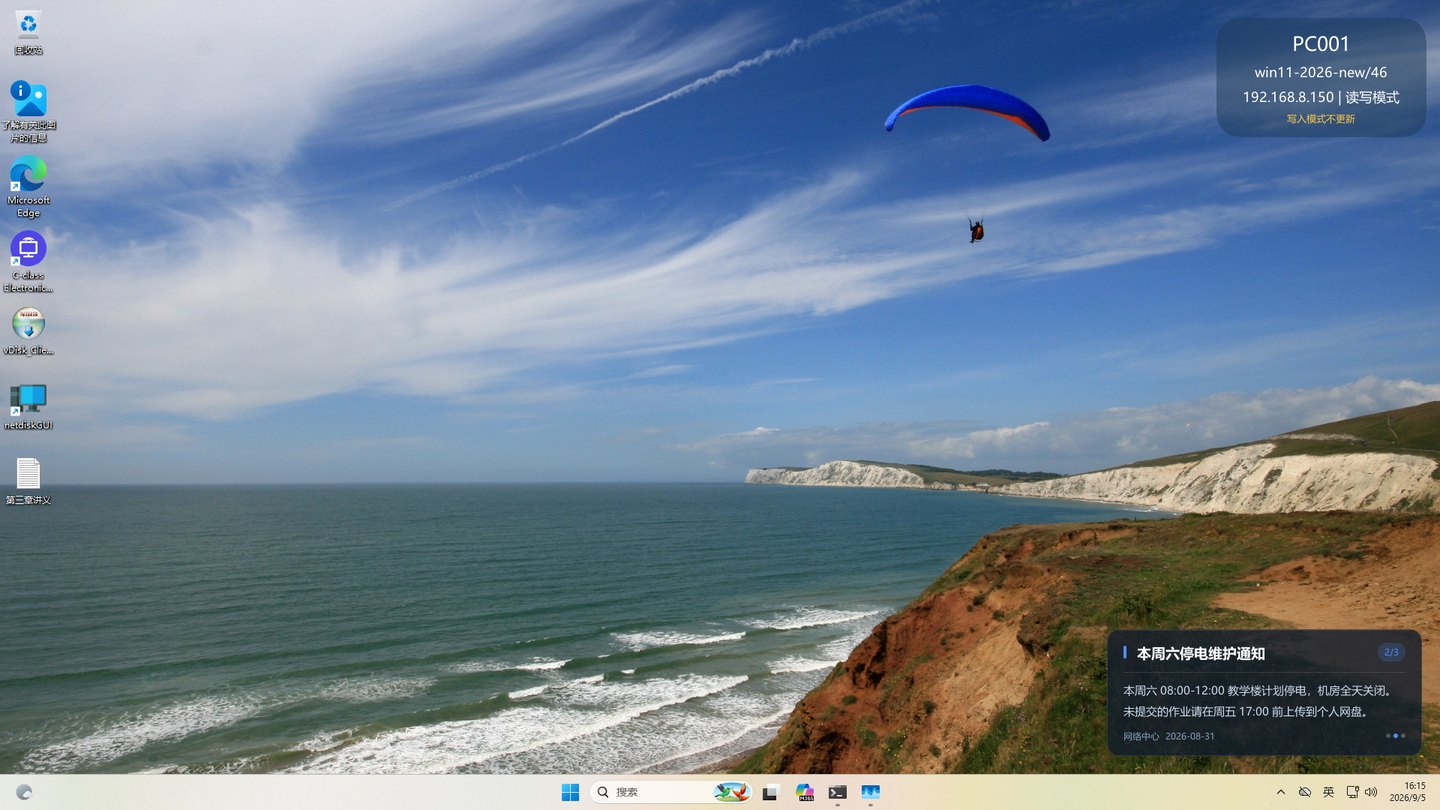
The computer itself is managed by it. Systems are no longer installed one by one on local machines; they are centrally stored on the server. Upon boot, they are retrieved automatically, with the same speed as local installation. It works even without network. If someone messes up the system, a restart restores it to its original state. To install new software, the administrator does it once, and it is automatically deployed overnight, taking effect the next day.
- 01Compatible with any hardwareHP, Lenovo, Dell mixed purchases are fine; all managed in one console, drivers automatically matched.
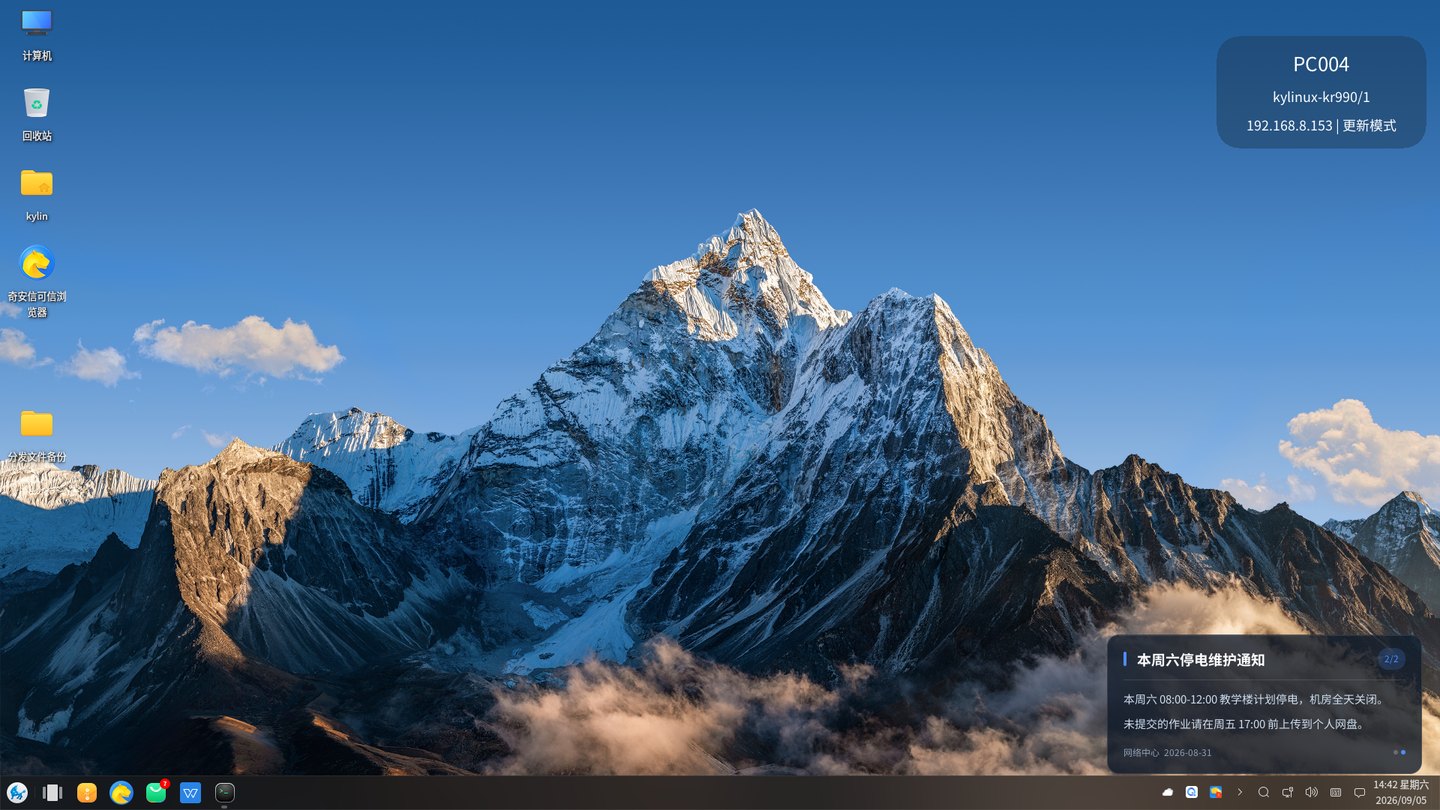
- 02Compatible with any OSWindows and Linux can all be deployed. Drivers are compiled on the fly for the local machine without modifying the original kernel.
- 03Compatible with any CPUThe engine is self-developed and is not tied to Intel. It has been tested on AMD, x86, ARM64, and LoongArch.
- 04no need to reinstallStore separate environments for teaching, design, office, and production line; switch as needed for different use cases.
Teaching computers, office workstations, training centers, service halls, production line terminals — all managed by the same backend.
Product Line 02 / Classroom Management · Manage Teaching
One master console controls all screens in the room.
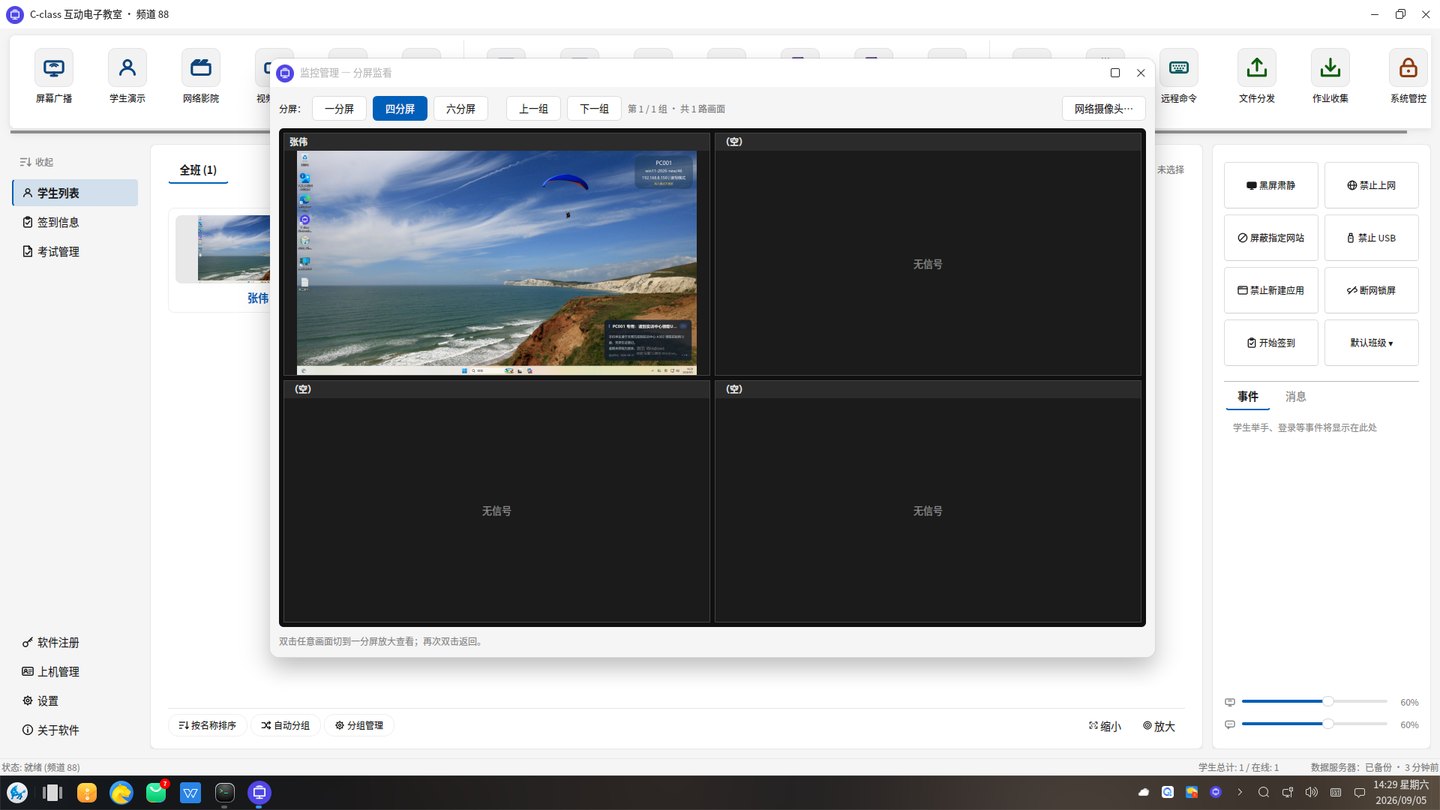
Lecturing and training are managed by it. The presenter's screen is broadcast to every machine, and you can also take over a specific machine directly. If someone is distracted, one-click to bring them back. Materials can be distributed with one click, assignments collected, and exams graded instantly. Ready-made computers can be used immediately after installation, without changing the network or hardware.
- 01screen casting and explanationFull screen, a single window, or a selected area can be broadcast. You can annotate on the screen to highlight key points, and the receiver's keyboard and mouse are temporarily locked.
- 02control keyboard and mouseThe presenter can use his/her own keyboard and mouse to control another computer. It can be done for a single machine, or the entire class can follow along.
- 03Mixed systemsTeacher PC on Windows, student machines on Linux, screen casting still works; one installer sets roles automatically
- 04assignments and examsMaterials can be distributed with one click, and submitted assignments are archived by student ID or employee number. Exams have five question types, and you can see at a glance which questions have the most errors.
School classes, computer-based exams, corporate training, training institutions, certification exam centers — all managed by the same host.
Product Line 03 / SaaS Cloud Desktop · No Server Needed
No server to buy: the teacher PC is the proxy
The management platform runs in the cloud. Install one proxy service on the lab's teacher PC and every PC in the room is under management: startup, restore and differential updates all run from a browser. No public IP needed, and if the internet goes down or the teacher PC is off, student PCs still start up and class goes on.
- 01No server neededThe teacher PC handles boot, image storage and distribution. No server to buy, no database or console to install
- 02Cloud managementFrom the office, at home or on the road, open a browser to check status, push systems, power PCs on and off, and view them remotely
- 03Restorable proxyIf the teacher PC fails or is reinstalled, the proxy service can be restored at any time
- 04Annual rentalPriced per PC, per year, with a one-year minimum. We maintain and upgrade the platform
Multi-campus schools / multiple labs / schools without dedicated IT / reseller-branded service, all on one cloud platform
Product Line 04 / Laboratory Management · Manage Labs
One unified ledger to manage instruments, chemicals, and personnel.
It manages everything in the lab. From the moment an instrument arrives until it is disposed, its records, maintenance, and who used it when are all linked to the same ledger; hazardous chemicals—from storage, requisition, to cabinet access—every step matches personnel and quantity; those who haven't passed the safety exam cannot enter; after use, billing is automatically generated based on machine time.
- 01Instrument LedgerRecords, costs, and maintenance are kept item by item, so inventory and inspections don't need to be redone on the spot.
- 02Booking & ApprovalEquipment is available for reservation by time slots; who can use it, when, and who approved it are fully recorded.
- 03Hazardous chemicals controlFrom storage, requisition, approval to cabinet access, every step matches personnel and quantity.
- 04Exam-Based AccessThose who fail the safety exam cannot enter; the score is directly written into the access clearance mark on their personal record.
University labs / Vocational training rooms / Research platforms / Testing centers / Corporate labs—the same unified ledger.
Original manufacturer / Shanghai · In-house R&D.
Twenty years, four product lines, one in-house R&D team.
Cloud desktop, SaaS cloud desktop, classroom management software and laboratory management all come from this team in Shanghai: engine, server, endpoint and console developed in-house, versions upgraded in-house, issues handled in-house. Collaboration is tailored to your business: channel agents, OEM branding and custom development, with project registration, solution and tender support handled directly by the original manufacturer.
- 01OEM SupportIssues reported directly to R&D, AI assistant performs self-check first, if unresolved, transfer to human support, 7×24 remote takeover.
- 02Channel PartnerProject registration first, orders go to channel; solutions, tender documents, technical responses handled by the original manufacturer's personnel.
- 03OEM Private LabelOEM manufacturers can do branding, name, interface, and features customized according to your own product line.
- 04Custom DevelopmentRequirements submitted to R&D, incorporated into versions, and future upgrades will still include them.
System integrator / solution provider / OEM / industry agent / local service provider, all directly deal with the original manufacturer.